
Menu

Office Camera

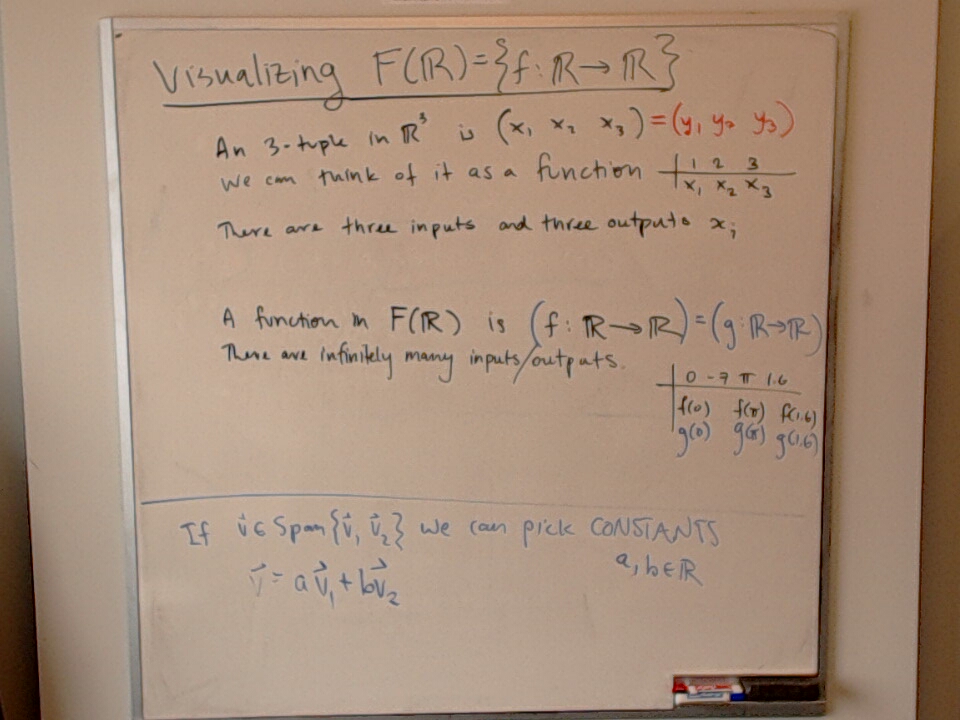
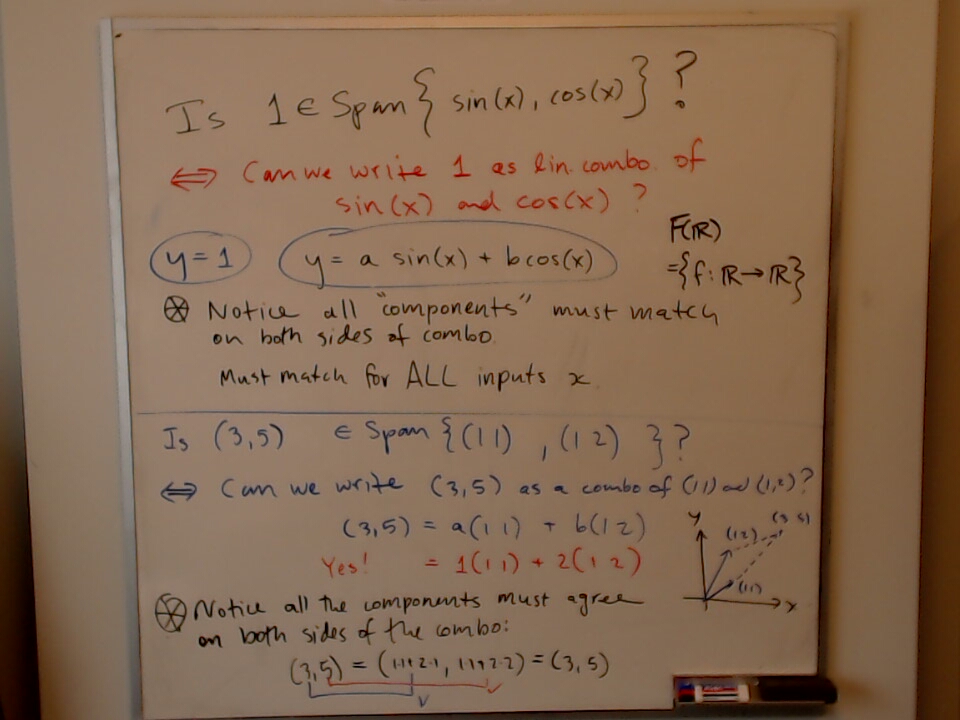
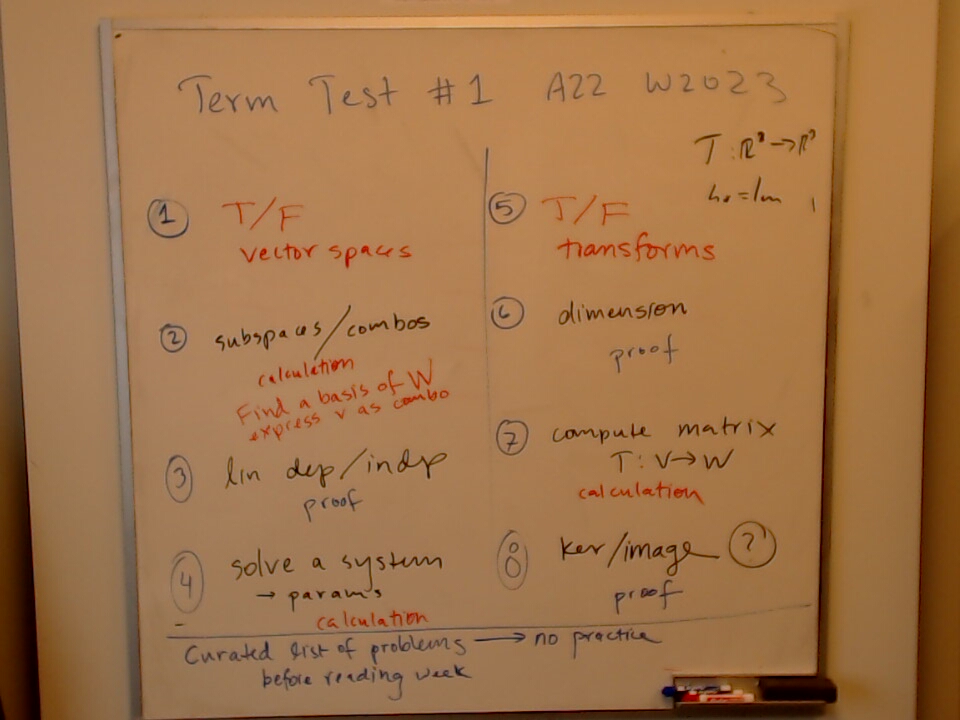
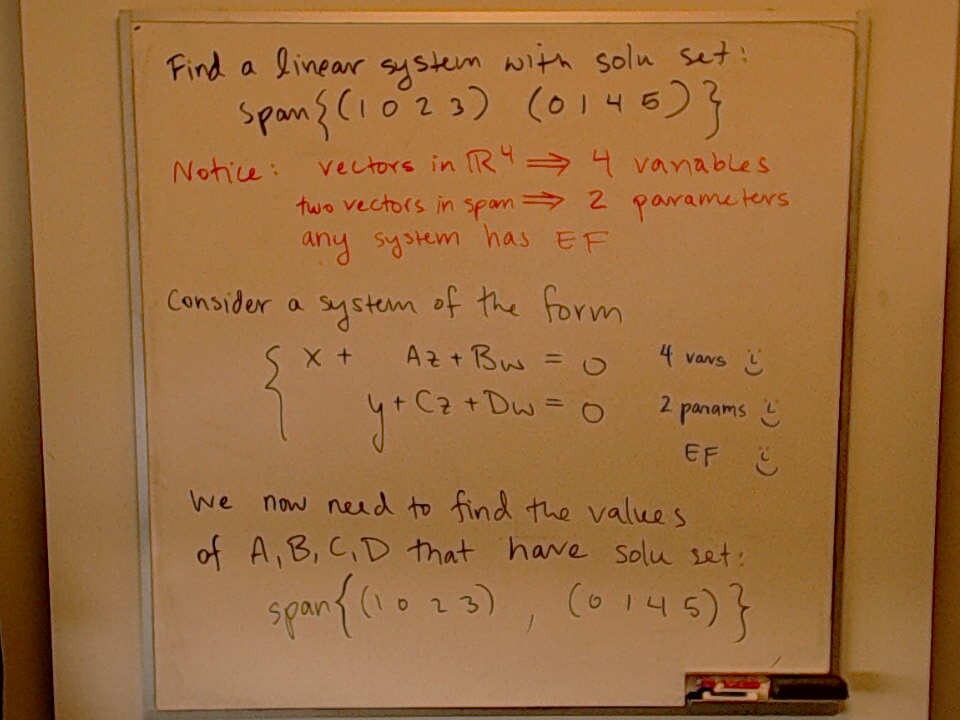
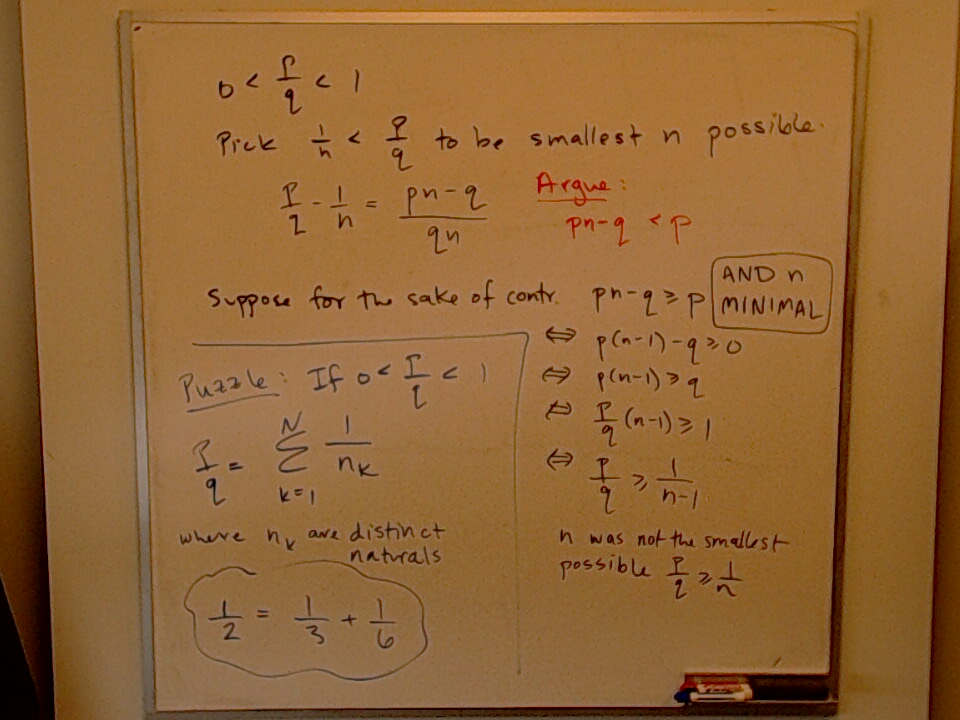
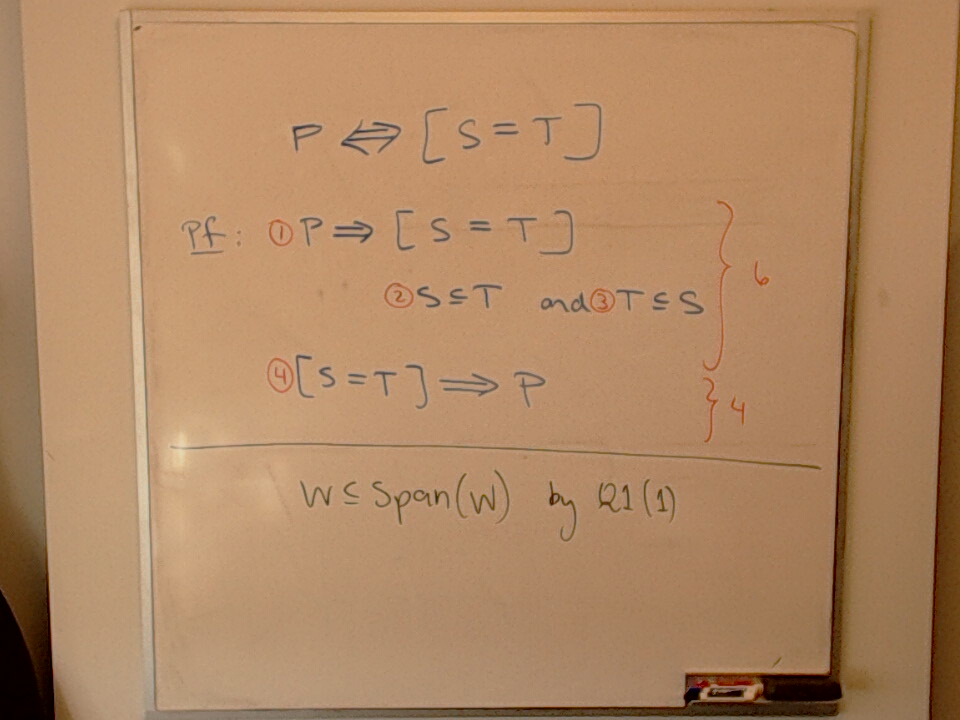
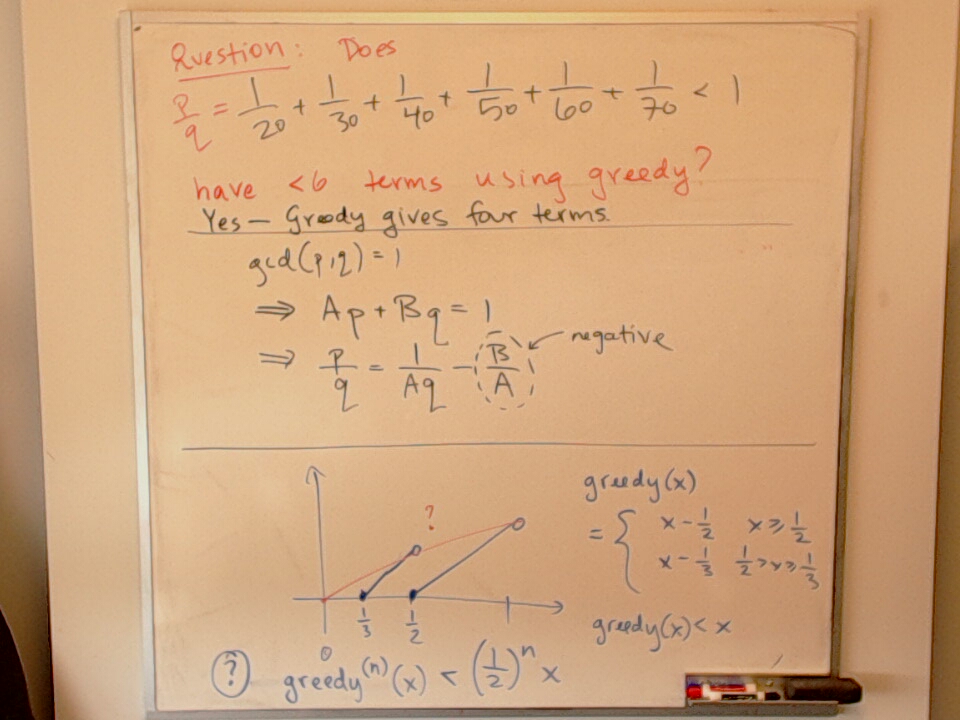
There is a webcam in my office that I use to take photos of the whiteboard. This setup was inspired by Dror Bar Natan’s Blackboard Shots. You can read more about the setup here. If you know of anyone else with a similar setup, please let me know.

This page generates an RSS Feed.

Jordan Form and Organization

A photo of a whiteboard titled: Jordan Form and Organization

MAT A29 Exam Coverage

A photo of a whiteboard titled: MAT A29 Exam Coverage

Volume in Conical Tank at t = 5 min

A photo of a whiteboard titled: Volume in Conical Tank at t = 5 min

We find the height of water in a conical tank such that:

$$ V = \frac{1}{3} \pi x^3 $$

given that water is flowing in at a rate $dV/dt = 1 m^3 / min$.

Plan for Final Exam Study

A photo of a whiteboard titled: Plan for Final Exam Study

Backup System Flowchart

A photo of a whiteboard titled: Backup System Flowchart

This is the current layout of my Backup System. It shows how: archive-servers.sh, offline-backup.sh, and offsite-backup.sh work. The Syncthing and Tailscale connections are not shown for the sake of clarity.

MAT B41 Exam Coverage (Draft)

A photo of a whiteboard titled: MAT B41 Exam Coverage (Draft)

A Designer Graph

A photo of a whiteboard titled: A Designer Graph

The designer graph on the first term test for MAT A29 Winter 2022.

Paco!

A photo of a whiteboard titled: Paco! This is my friend, Paco Estrada.

About the Office Camera

There is a webcam in my office that I use to take photos of the whiteboard. This setup was inspired by Dror Bar Natan’s Blackboard Shots. If you know of anyone else with a similar setup, please let me know.

A photo showing a close-up of the camera mount holding the office camera

I setup the office camera because many students wanted to take photos of the board during office hours. If several students had the same question, then I could refer them to the photos on the website. The longer I’ve had the camera, the more uses I’ve found for it. It turns out that the most useful application of the office camera is for responding to mathematical questions via e-mail. If my response to an e-mail would require enough math that writing it in plain text would impractical, then I write it on the whiteboard and snap a photo.

A photo of Parker’s office showing the office camera pointed at a whiteboard

There is now a little sign which has a QR code to the webpage.

The script office-camera.sh handles taking a photo, previewing it, generating the markdown for the photo page, and then uploading everything. It requires feh (an image viewer), streamer (a video and audio capture tool), and hugo (a static site generator). This script is highly dependent on my setup, but you’re welcome to adapt it for your own purposes. Please let me know if you make something similar.

 #!/bin/bash
 
 WhiteBoardCamera="/dev/v4l/by-id/usb-046d_C922_Pro_Stream_Webcam_511379DF-video-index0"
 
 HugoBaseDir="/home/pgadey/Hugo/pgadey/";
 HugoPhotoDir="/home/pgadey/Hugo/pgadey/static/images/office-camera/";
 HugoMarkdownDir="/home/pgadey/Hugo/pgadey/content/office-camera/";
 HugoImagePrefix="/images/office-camera/";
 HugoPostScript="/home/pgadey/Hugo/pgadey/post.sh"
 
 TempDir="/tmp/"
 
 shootImage () {
 	# set times based on image file
 	IsoTime=$(date --iso=second);
 	CurrentTime=$(date +%Y-%m-%d\ @\ %H:%M:%S)
 
 	ImageFile="$IsoTime.jpeg";
 
 	echo -e "Shooting image and storing it: $TempDir$ImageFile\n";
 
 	# shoot a photo and silence all output
 	#streamer -c $WhiteBoardCamera -o $TempDir$ImageFile -j 100 -s 800x600 &> /dev/null ## lower-resolution
 	streamer -c $WhiteBoardCamera -o $TempDir$ImageFile -j 100 -s 960x720  &> /dev/null ## higher-resolution
 	
 	# show a preview of the photo and return to script
 	feh --scale-down $TempDir$ImageFile &
 
 	# capture the PID of feh, so we can close it after preview
 	FehPID=$!;
 	echo -e "PID of feh is: $FehPID\n";
 }
 
 makeMarkdown () {
 	MarkdownFile="$IsoTime.md";
 	Title=${1:-$CurrentTime}; # if there is no title, default to the date
 	echo -e "Creating markdown with title: $Title\n";
 
 HugoMd="---
 title: \"$Title\"
 date: $IsoTime
 tags: ['office camera']
 ---
 ![A photo of a whiteboard titled: $Title]($HugoImagePrefix$ImageFile \"$Title\")"
 
 	echo -e "Making Markdown file and storing it: $TempDir$MarkdownFile\n";
 	echo -e "$HugoMd" > $TempDir$MarkdownFile;
 }
 
 while true
 do
 	shootImage;
 
 	read -p "Does the preview look okay? [Yn]" answerPreview
 	answerPreview=${answerPreview:-"Y"};	
 
 	case $answerPreview in
 	  [Yy]* ) 
 		  echo "Yes! The photo is good." ;
 		  makeMarkdown "$1"; # pass the first argument to makeMarkdown 
 		  kill $FehPID; 
 		  break ;;
 	  * ) 
 		  echo "No! Reshoot the photo." ;
 		  kill $FehPID;
 		  answerPreview="n" ;;
 	esac
 
 done
 
 while true
 do
 	read -p "Do you want to edit the post [e], post [P], or cancel [c]?" answerEdit
 	answerEdit=${answerEdit:-"p"};	
 
 	case $answerEdit in
 	  [eE]* ) 
 		echo "Edit the markdown file." ;
 		vim $TempDir$MarkdownFile ;;
 	  [pP]* )
 		echo "Post the markdown and image." ;
 		cp $TempDir$ImageFile $HugoPhotoDir ;
 		cp $TempDir$MarkdownFile $HugoMarkdownDir ;
 		cd $HugoBaseDir ;
 		$HugoPostScript ;
 		break ;;
 	  [cC]* )
 		echo "Cancel! Burn all the evidence!" ;
 		rm $TempDir$ImageFile ;
 		rm $TempDir$MarkdownFile ;
 		break ;;
 	esac
 
 done

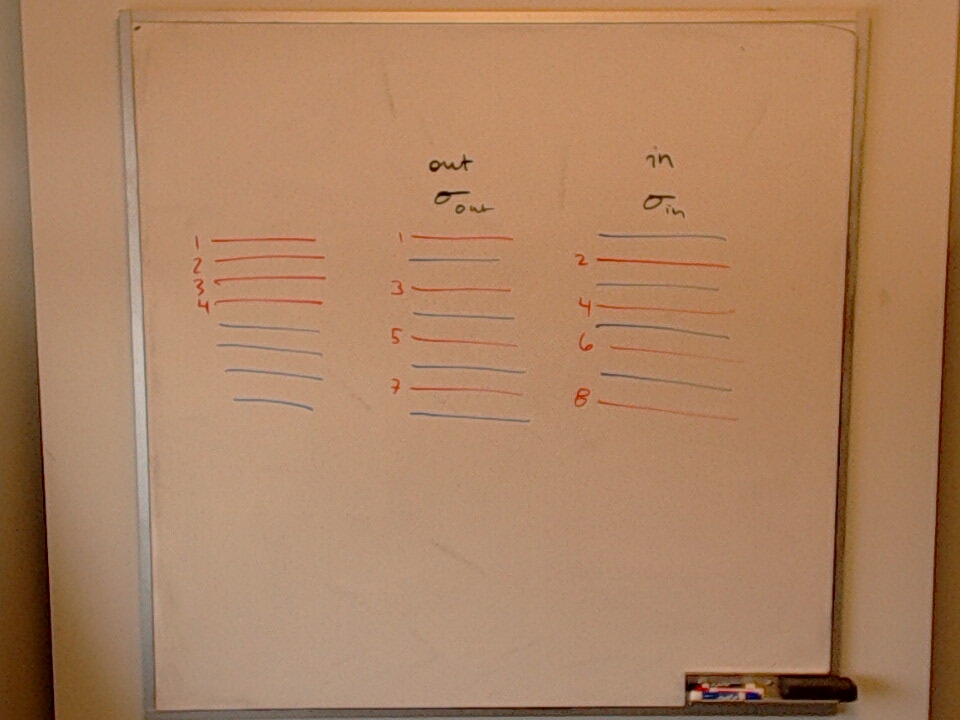
Fitch Cheney Ordering

A photo of a whiteboard titled: Fitch Cheney Ordering

Raw photo


Navigation Menu

Home / Now / Blog / Notes / Reading / Office Camera / Tags / Bookmarks / RSS Feeds / Top of Page

Thanks for reading! If you have any comments or questions about the content, please let me know. Anyone can contact me by email.